Picture
My youngest granddaughter has discovered jigsaw puzzles and regularly drags them all out for me to help her complete. It doesn't seem to matter that we've worked on the same puzzles over and over. She still delightedly claps her hands when we've finished. 

I've noticed that the older kids are just as happy to work on online jigsaw puzzles, too. And... it's easy to create your own FREE puzzles with images from your computer. 

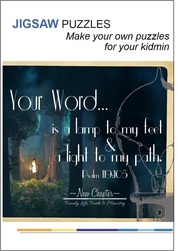
What a great way to share the weekly memory verse, Bible point or perhaps a picture of Sunday's lesson with your kids' church!  You can alter the number of jigsaw pieces to change the difficulty level and even use different shapes for the puzzle. Once you've made your puzzles online( and it takes only minutes to create), you can share them on Facebook, Twitter, Google+, email them to families or embed them in your blog or website.. easy.

There are a number of sites that allow you to create these jigsaw puzzles, but I used JigsawPlanet. Try the sample below. If you have trouble viewing or playing the puzzle, use the link HERE to access it online. Have fun!
If you'd like to use this puzzle yourself, just copy the code listed below the puzzle and add it to your blog or site:

<iframe frameborder=0 src="http://www.jigsawplanet.com/?rc=play&amp;pid=1471499fdb6f&amp;view=iframe" title="Your Word - online jigsaw puzzle - 24 pieces">[Your web browser does not support frames or is currently configured not to display frames. However, you may visit <a href="http://www.jigsawplanet.com/?rc=play&amp;pid=1471499fdb6f" target="_top">the related page</a>.]</iframe>


Picture
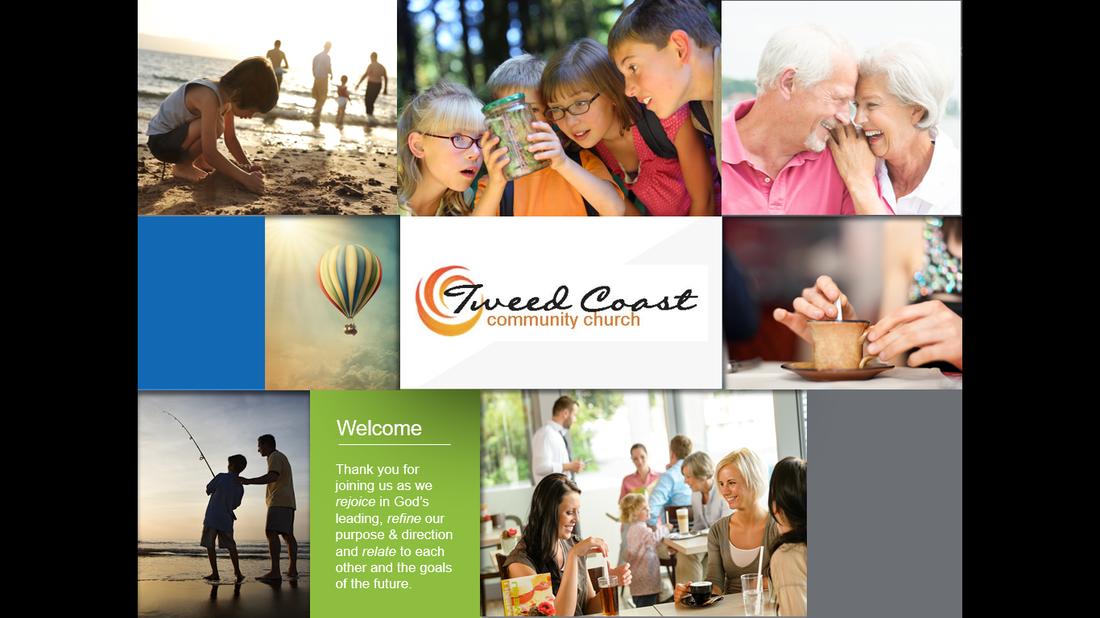
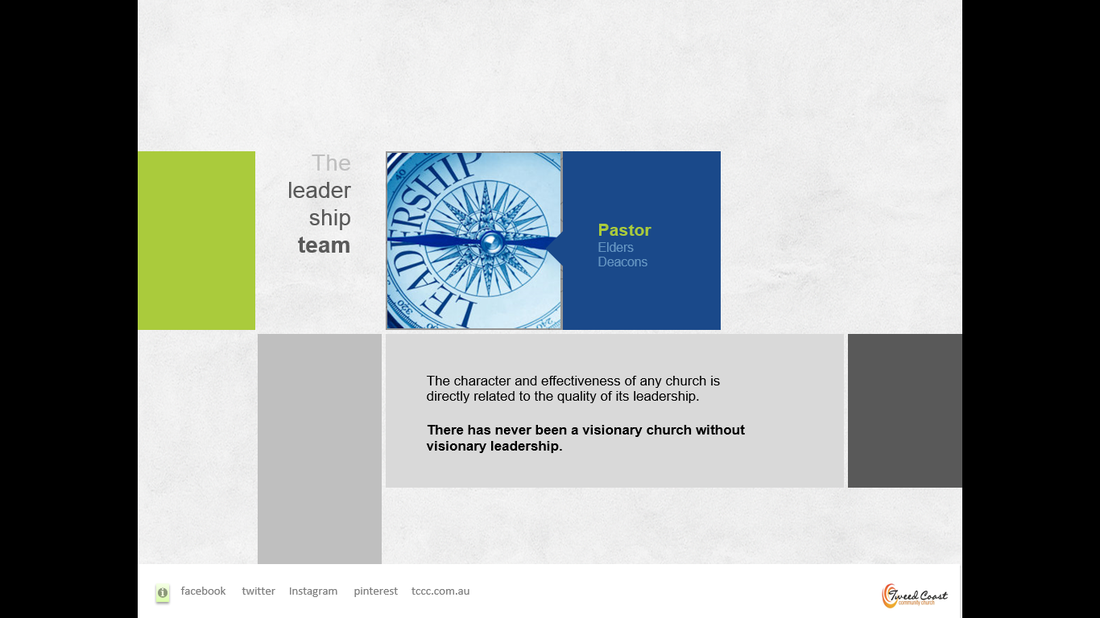
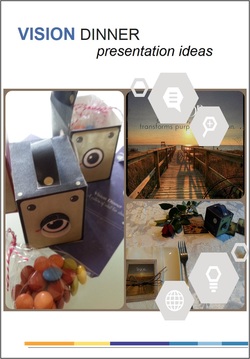
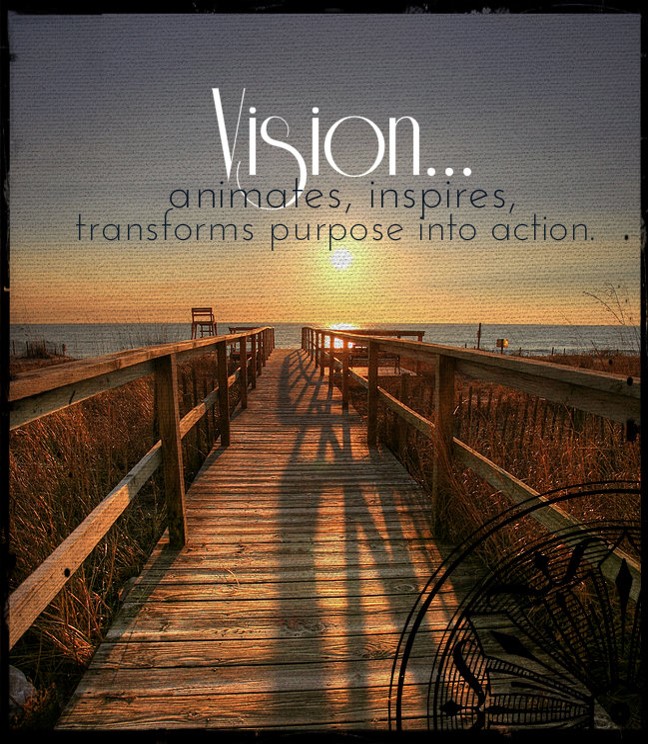
Vision- animates, inspires, transforms purpose into action. Our church Vision Dinner was held last Friday evening.. a time when we could consider: 'Who are we? Where is God leading us as a church and in our ministry?'  

It gave us the opportunity to highlight our focus on Family Ministry, explain more about our programs and encourage the church family to visit our Tweedkids Facebook page. 

We used a number of resources in preparation for our special Vision Dinner event and you may find them helpful yourself.
First, I found a great powerpoint presentation template at Graphicriver that was so easy to add text and images for a dynamic presentation. They do charge a few dollars for these templates but, for a special event, it's really worth it in terms of quality and time. You can find more here...
I also used Animoto to create a short clip for our TweedKids and you can check it out below. I've mentioned Animoto before and you might like to read more about this online program here...
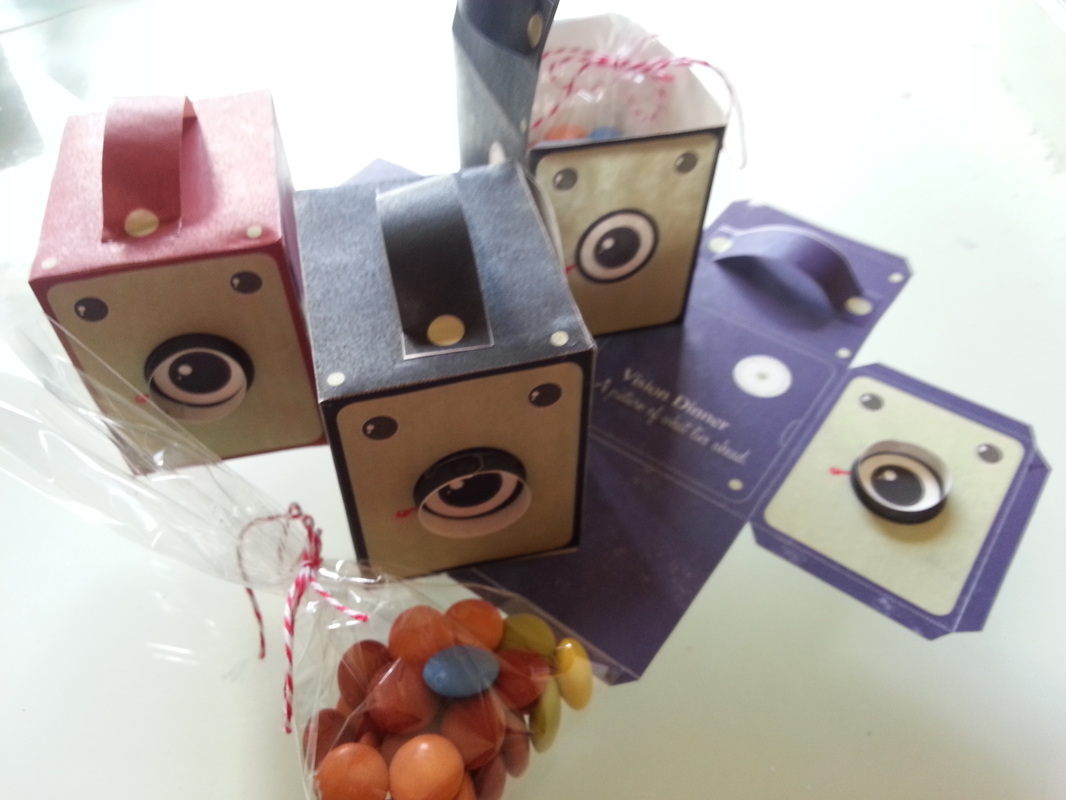
I created some great littleBox Brownie cameras to add to the tables since a 'Vision Dinner gives a picture of what lies ahead.' I added the wording to the design before printing the boxes and assembling them. The design cost $4 to download but again, worth it.. it was a great little focus point for the dinner and I filled the cameras with M&Ms.


Picture
WorshipHouseKids have made a welcome motion loop available -free. Download it now!

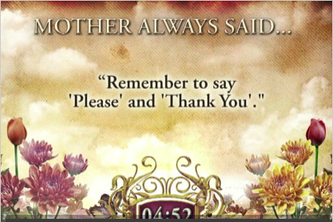
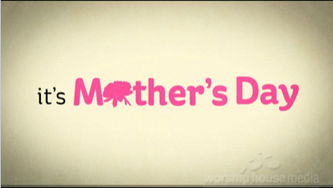
Take a few moments, too, check out some great clips for Mother's Day from WorshipHouseMedia and Sermonspice.
Just click on the image for a link through to the clip. You'll find a countdown, a simple, bright highlight of the important roles of mothers as well as others that pull on the heart-strings.
 Take a look.. and let us know others that you enjoy.


Picture
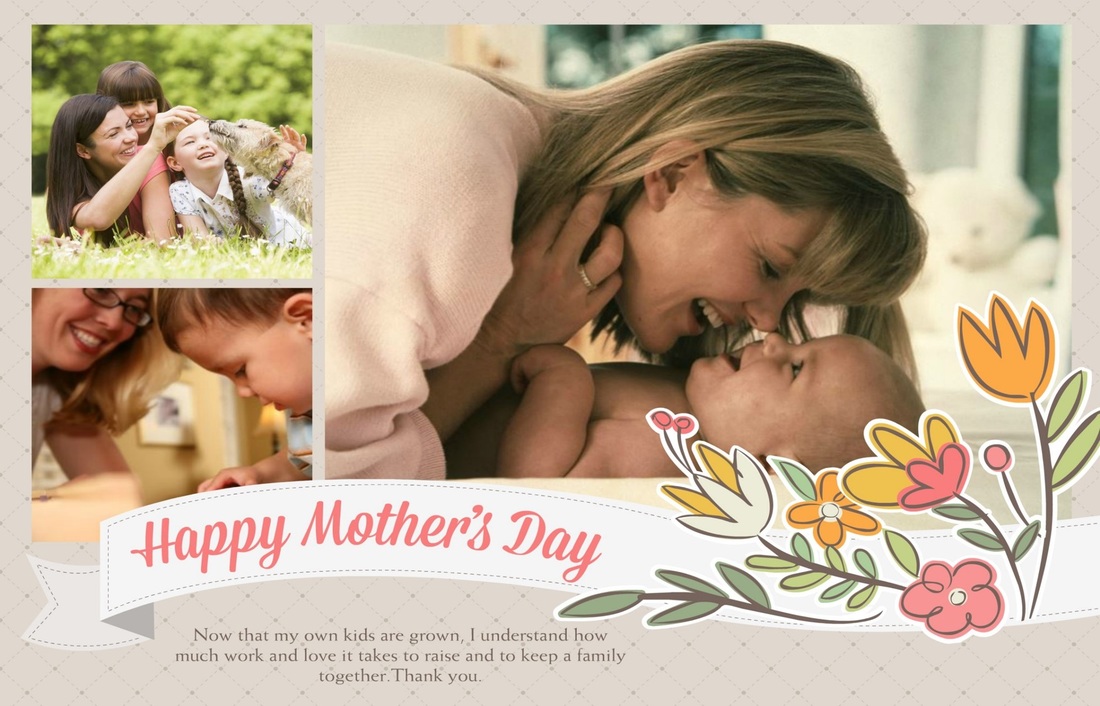
Mother's Day- that special time of the year when we remember and celebrate mothers and their important role in our lives and families.

Promote your special kids ministry Mother's Day events with your church family using a Mother's Day powerpoint slide.... we've provided a couple of choices below to download and personalize. You can easily make your own, though, with the help of a couple of resources that we've listed below.

The first image and slide was created using SmileBox. We've highlighted SmileBox before and find it really helpful in creating graphics and movie clips quickly and easily. See here for more information about SmileBox.

We used a simple little app called BubbleFrame to make the second image. It takes a few minutes to become accustomed to the controls but you can quickly make attractive little designs to use on your powerpoint slides. 
Check it out here.

You also might like to check out and download some free Mother's Day fonts and there's a wonderful little list of these at Krafty Cards etc.  A special font can really make a difference in a design or any of your promotional materials so check them out....


mothers_day_slide.ppt
File Size: 7331 kb
File Type: ppt
Download File

mothers_day_slide_2.ppt
File Size: 6948 kb
File Type: ppt
Download File


Picture
I usually find, whenever I create a list of suggested movie clips, that I've overlooked some great ones as soon as the blog is posted.
So.... just realise that this list is not exhaustive but does contain some worthwhile suggestions to check out for use in your kids church and other programs over the Easter period.

1. INVITATIONS    This is a great little clip to encourage your church family to invite along friends and family to your Easter events.
2. A VERY SPECIAL EASTER     This clip uses crayon drawings to illustrate responses and comments by kids about the Easter story. It does have a great finish.
3. PETER & JOHN: THE TOMB    This clip from The Skit Guys (I've included it below) would be great to use as a discussion starter with older kids: Why were they running? Who ran inside first? Why did their expressions change to delight and laughter?...
4. A VERY SPECIAL SUNDAY   One from the series that tells the Easter story with line drawings through the eyes of children.
5.  TINY BIBLE TREASURES 6- HE'S ALIVE    This is another animated series retelling the Easter story (Mark 16, Luke 24 and John 20)
6. AN EASTER STORY   This presentation uses children as Bible characters to retell the Easter story.
7.WHAT IT'S ALL ABOUT       This short little clip would be a great introduction or conclusion to your Easter event and just highlights the real message of Easter.
8. THE JESUS EGG   I've included this story clip about an Easter egg hunt. It has a great message that you might like to use as a discussion launcher or to develop further following Easter. 
9. REMEMBER ME   Friends and Heroes have a quality musical presentation of the Easter story.
10. I BELIEVE  If you're looking for some downloadable music for your kids to sing along with, check out Groups selection. Our kids really enjoy them and love to see other kids singing, too. This is just one of the list available to download.


Picture
Easter is less than a month away and I'm sure the preparations for your children's ministry Easter events are well underway. You may be thinking about some early promotion of these events and so I've created a simple Easter slide that you may like to use.

The wording may be altered to suit your own needs. I created the design using Smilebox. I've mentioned this great little program before but in case you missed it, use the link below to find out more. 

I've also include a little promotional movie clip, also created with Smilebox, for our Kids Club program so that you can see how it can be used. Smilebox makes it easy to share invitations, slideshows or clips via Facebook, twitter or your website/blog. It probably took about 15 minutes to create the clip.
Find out more about Smilebox here...

easter_slide.pptx
File Size: 1379 kb
File Type: pptx
Download File


Picture
Questioning is an important element of almost every lesson and activity in kids' church and midweek programs. It's not just a time-filler activity but rather, has an important role in the learning process.

Questions..
  • focus attention
  • make children think
  • revise the lesson and help determine what kids know
  • arouse curiosity and stimulate interest (especially if questioning occurs as a lead-in to a lesson)
  • review and consolidate the story/lesson
  • identify any misconceptions
  • reflect on learning and help kids apply the Bible lesson and concepts

Your questions don't have to be too complex but it's a good idea to begin with some questions relating to simple facts and progress to higher level questioning requiring thinking and applying to real-life situations.

Make it exciting. Use visuals in your question and review time as much as any other part of your lesson. Include action whenever possible; complete some activity or compete in some skill, game or relay event to earn the next question. 

I've included a very simple Spot-the-Difference activity that may be used to review the Daniel and the lions story. The concept is simple: ask a question relating to the story to earn points for the team. A correct answer also gives them the opportunity to earn extra points by spotting a difference on the powerpoint slide. Clicking on a correct part of the image results in the points awarded flashing up on-screen.  The Spot the Difference powerpoint is available to download below.

daniel_game.pptx
File Size: 893 kb
File Type: pptx
Download File


Picture
This week's freebie is a simple still motion- a welcome slide for Christmas. Use it to  welcome families and introduce a special Christmas event or  a children's church Christmas program.

It is available as a Powerpoint 97-2003 presentation format or 2007 presentation file. 


christmas_slide.ppt
File Size: 205 kb
File Type: ppt
Download File

christmas_slide.pptx
File Size: 174 kb
File Type: pptx
Download File


Looking for a clip for Christmas? Check out these 3 different styles of retelling the Christmas story. Two of these are available from WorshipHouseKids.com while the other one, Go Tell It on the Mountain, comes from ElevateatChurch.com (see here)  The True Meaning of Christmas is a 2 minute mini-clip from What's in the Bible.   The Christmas Story, a production of Cherub Wings, is a longer 5 minute animation. Check them out.


Resources

Order of service
one_starry_night_schedule.docx
File Size: 153 kb
File Type: docx
Download File

Welcome slide
welcome.pptx
File Size: 976 kb
File Type: pptx
Download File

mm_christmas.pdf
File Size: 314 kb
File Type: pdf
Download File

Picture
Last Sunday, we held our 'One Starry Night'  family service and encouraged all the families from our kids' club to attend.

Since many of these families have had little or no previous contact with church events, we presented a simple service with a strong focus on families and included plenty of kids' involvement and highlights the One Starry Night kids' club event. We also used some of the great Christmas resources available and I've listed these for you to check out. (The hard part was choosing which resources to use!) 

I've included our schedule/order of service. I used a Microsoft template for this and there are many available ready to download and personalise. See here.. Save some time and use these templates when you need to create a form or presentation for your team. It does make a difference; it highlights the importance of what you are doing and, it saves you time. 

We introduced the service with the free clip from Friends and Heroes- a simple, animated presentation in music of the reason we celebrate Christmas. (See resources.)

I used Animoto to create the clip of our One Starry Night outreach event. We used Group's music clip No Greater Gift as backing for the kids' item. (Available as worship dvd in the Faithweaver Praise and Worship music; these are great!)

Our Christmas story, The Christmas Miracle, was told by puppets which held everyone's attention. We used the pre-recorded skit from Instant Puppet Skits.

Everyone joined in singing Silent Night while the clip played (see below) while some of the children handed out the M&Ms Christmas packs to everyone.  A printable for this is available from the list of resources included.

Click to play this Smilebox slideshow
Create your own slideshow - Powered by Smilebox
Create your own photo slideshow